Where families save 50-90% on everything growing kids need
Kids grow SO fast!
2024 Spring: May 9-11
Available Now: Shopping Tickets & Seller Registration
We have helped local families save thousands of dollars...we can help you, too.
Savings & Selection
At every sale you can find gently-loved and new clothes • toys • shoes • books • videos • baby gear and more!
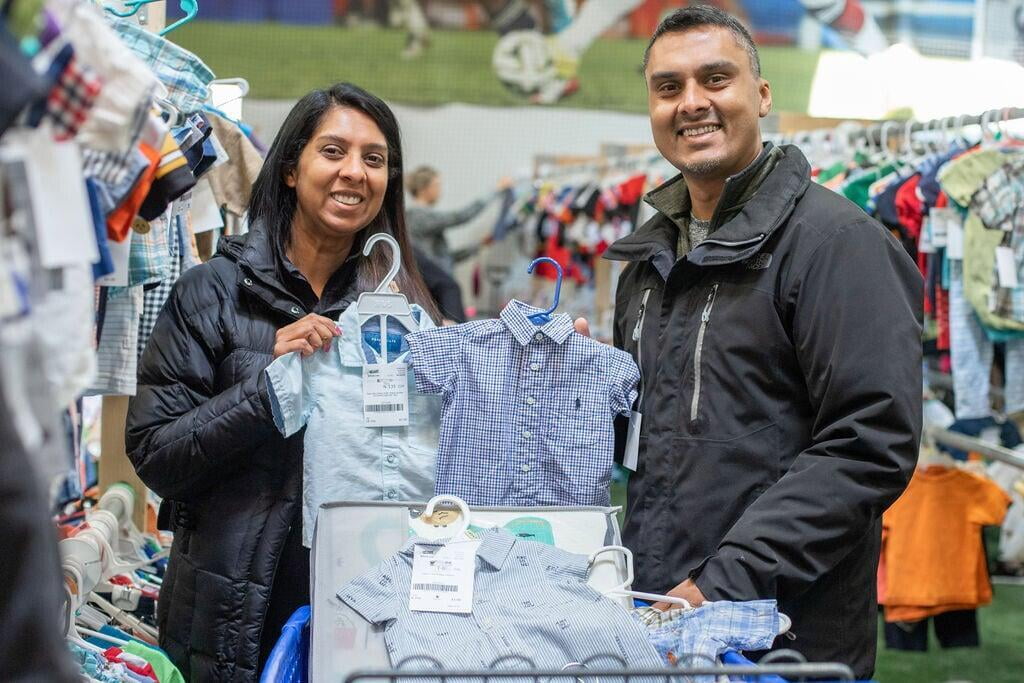
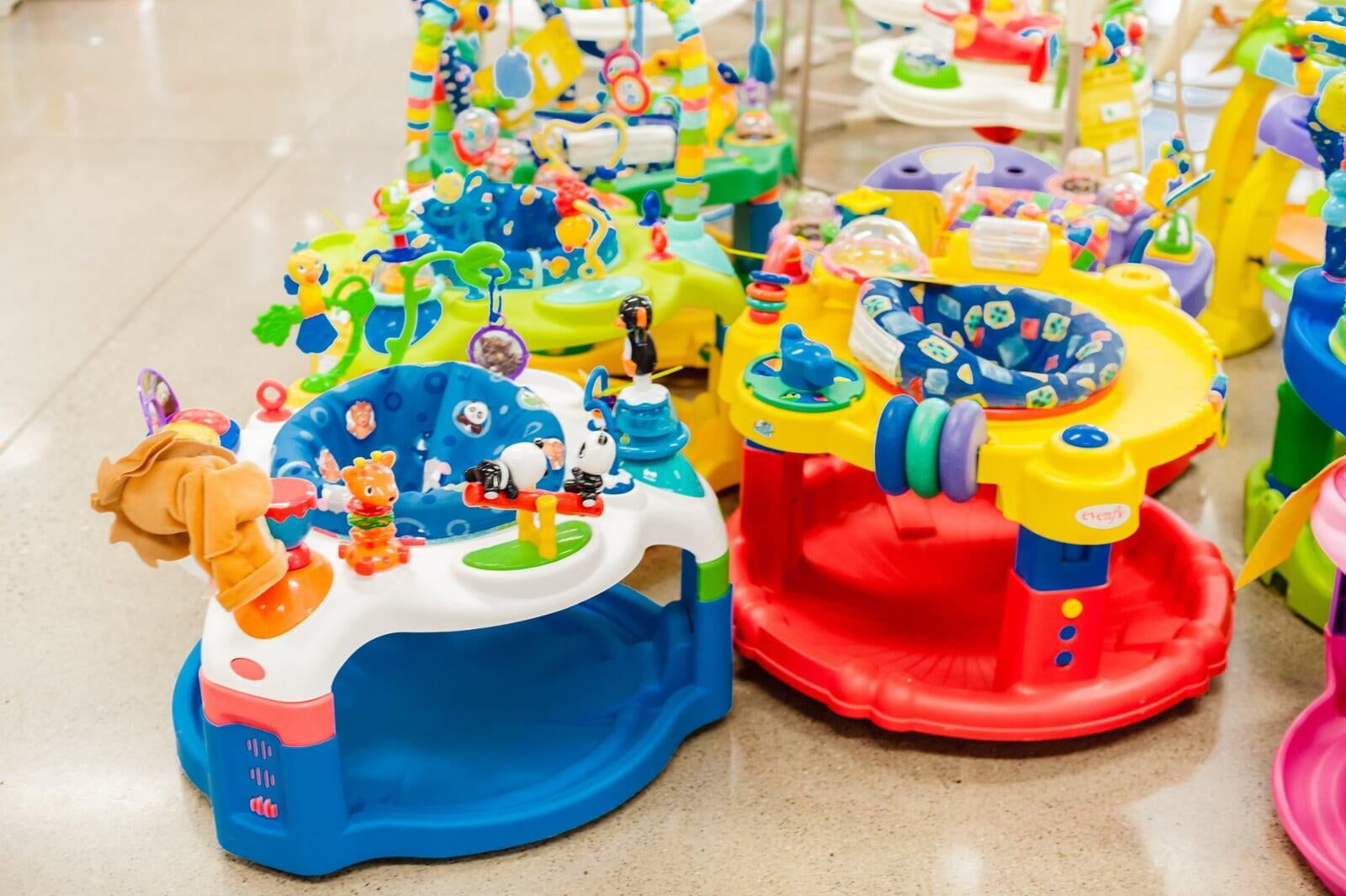
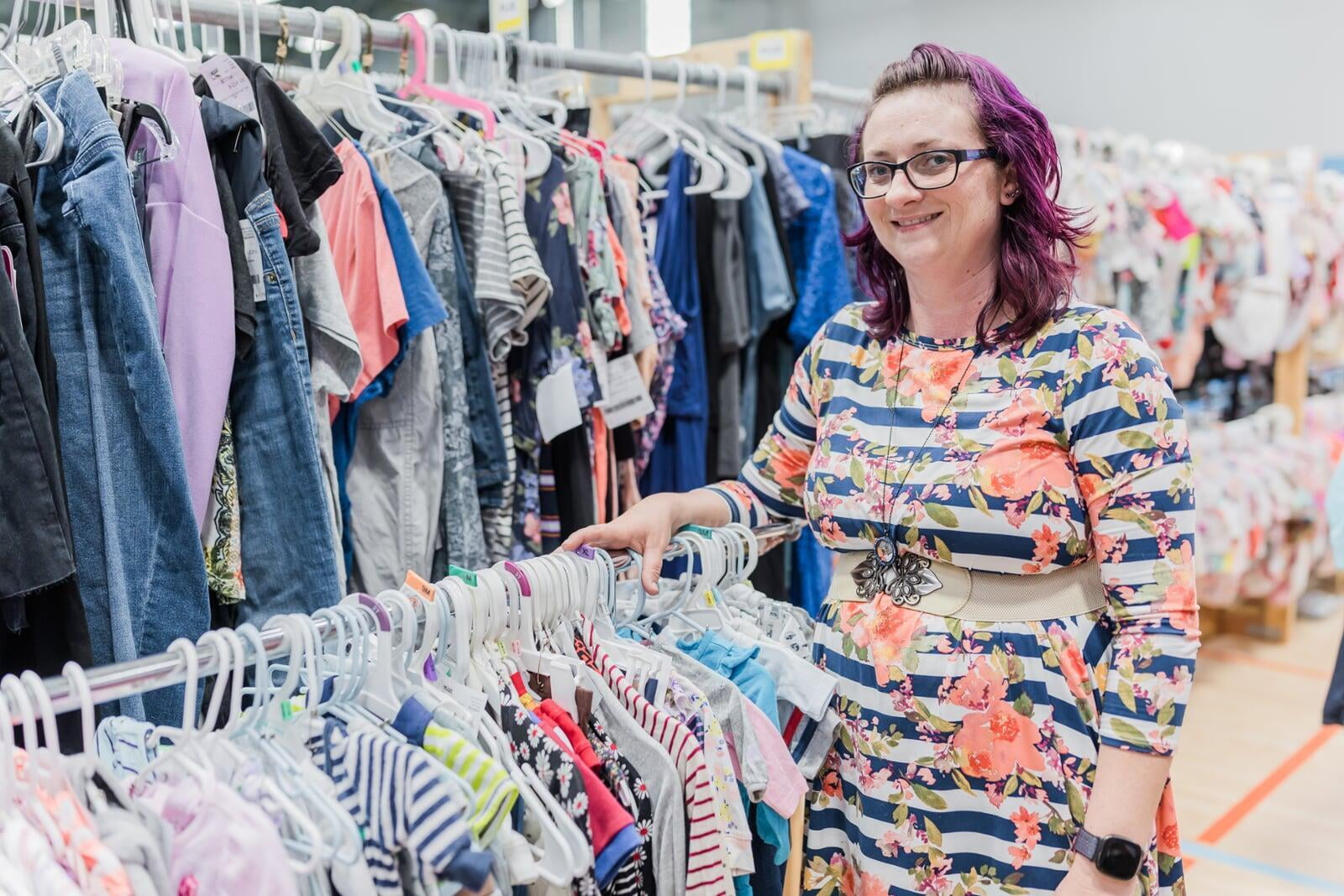
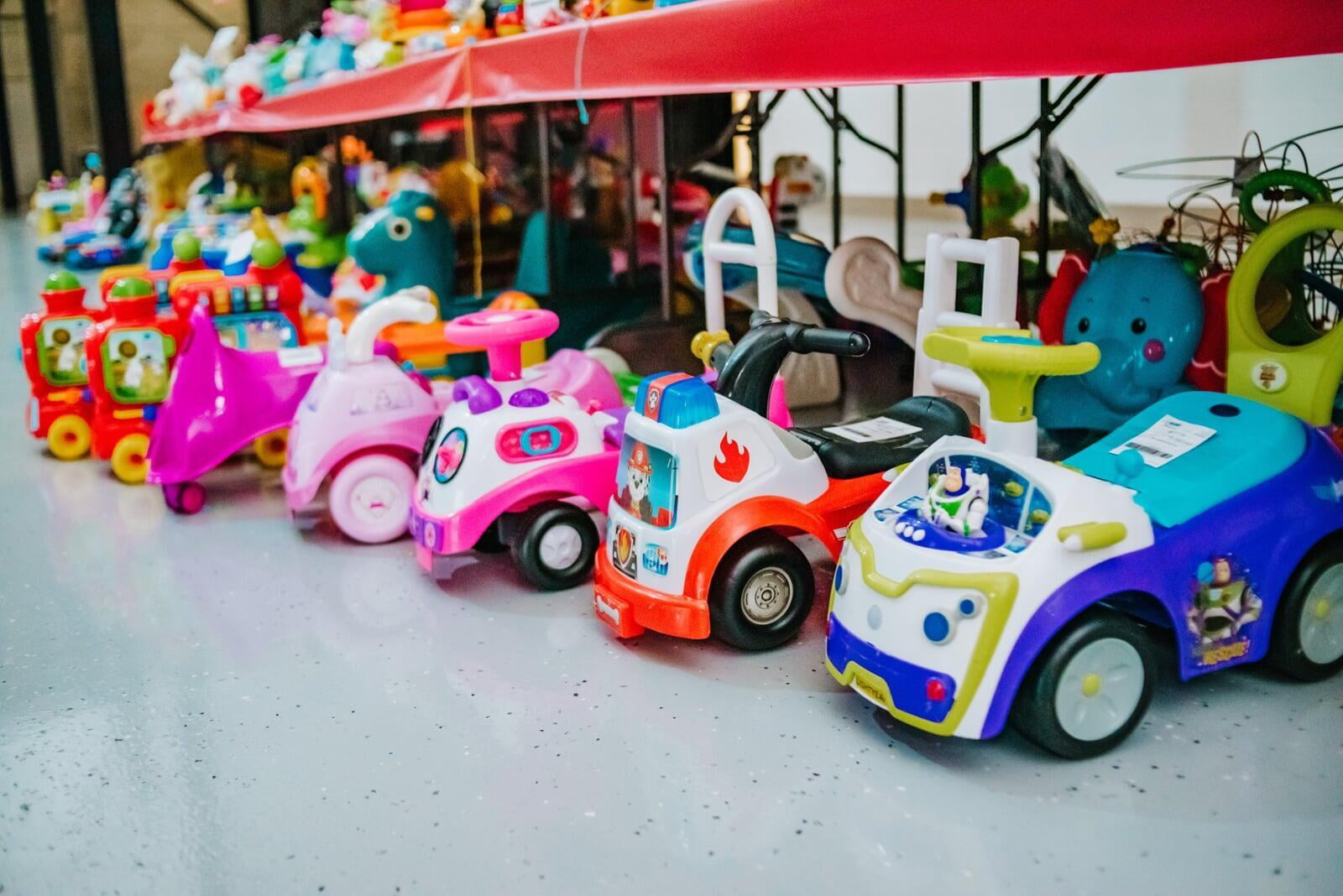
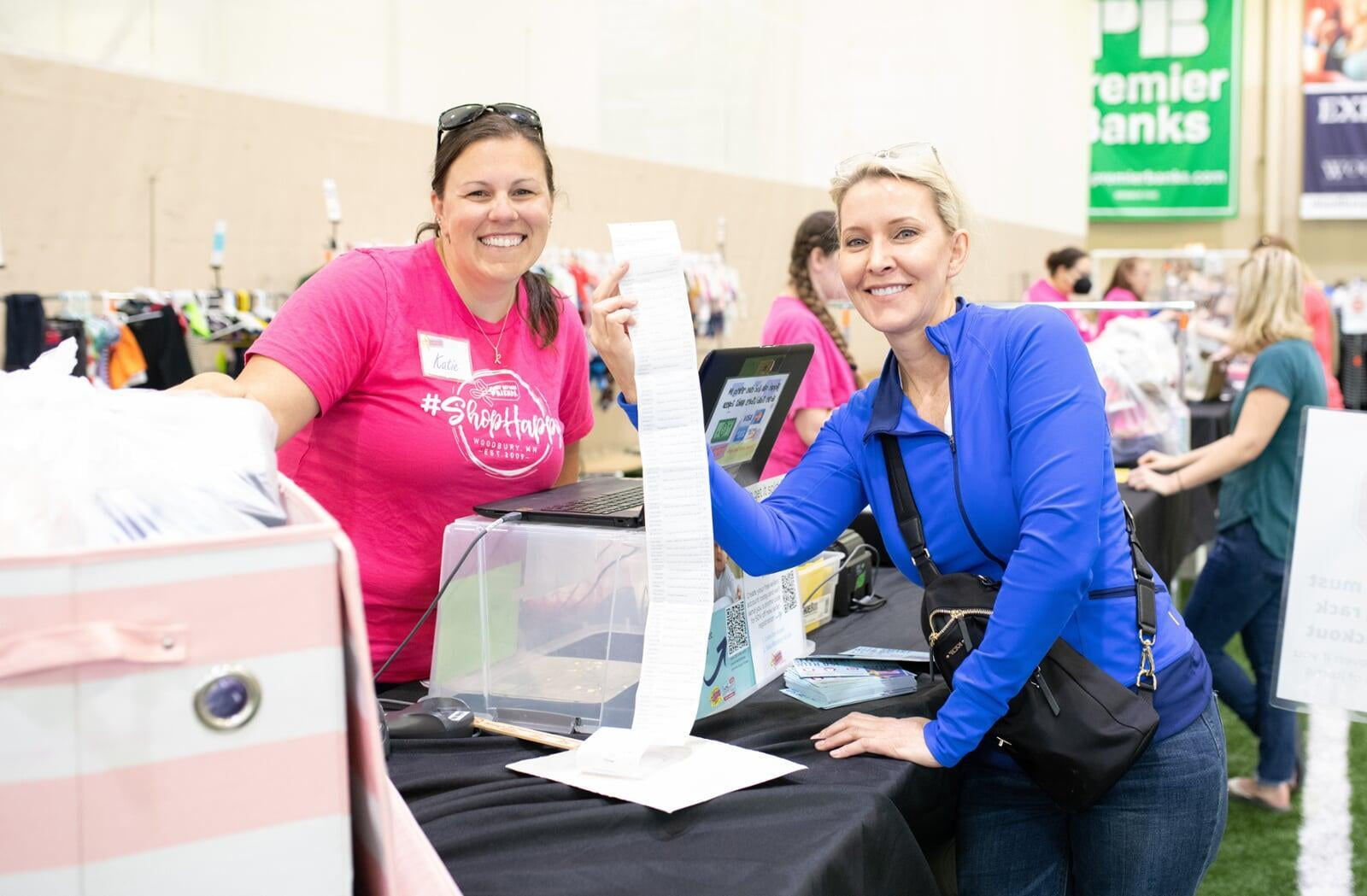

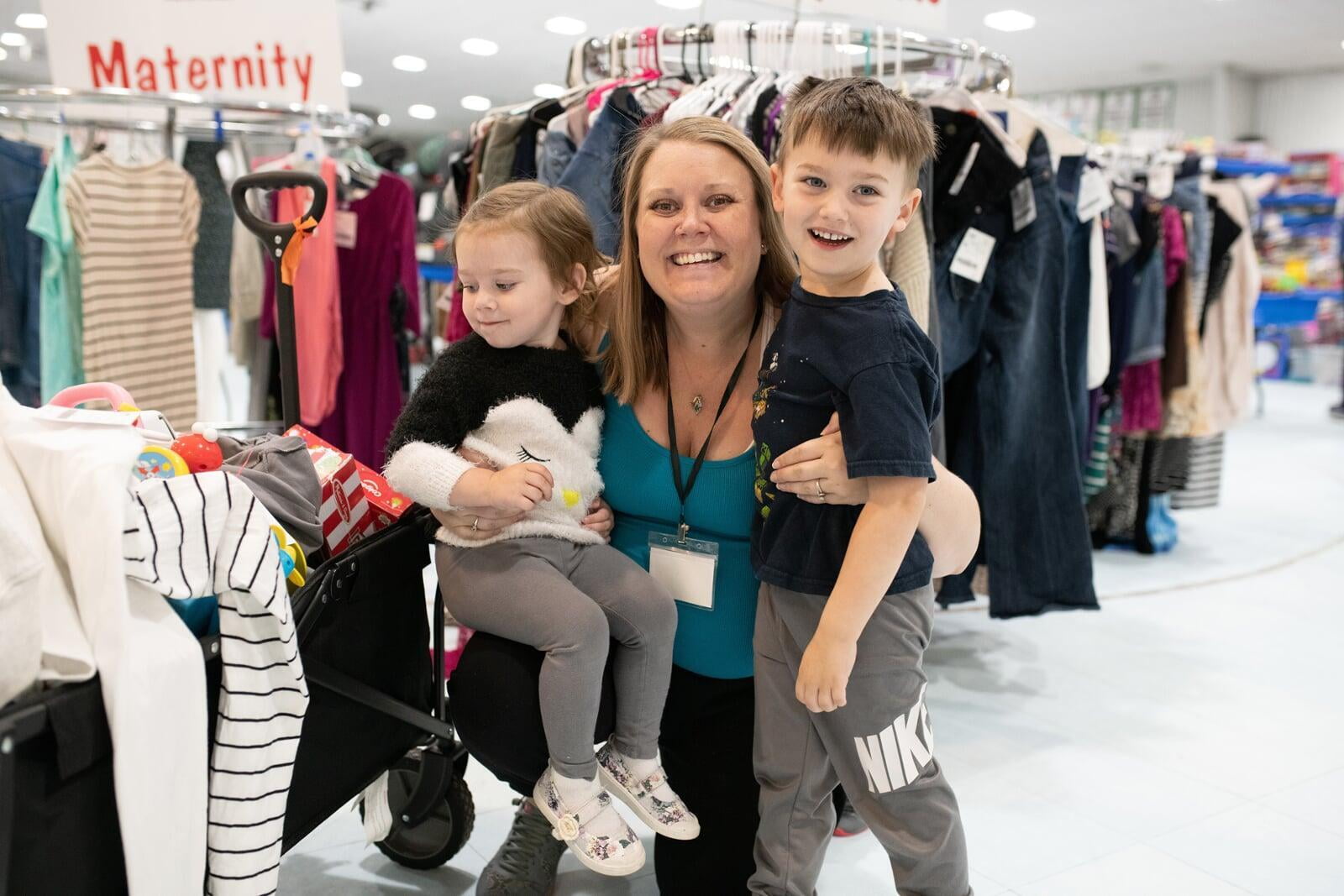
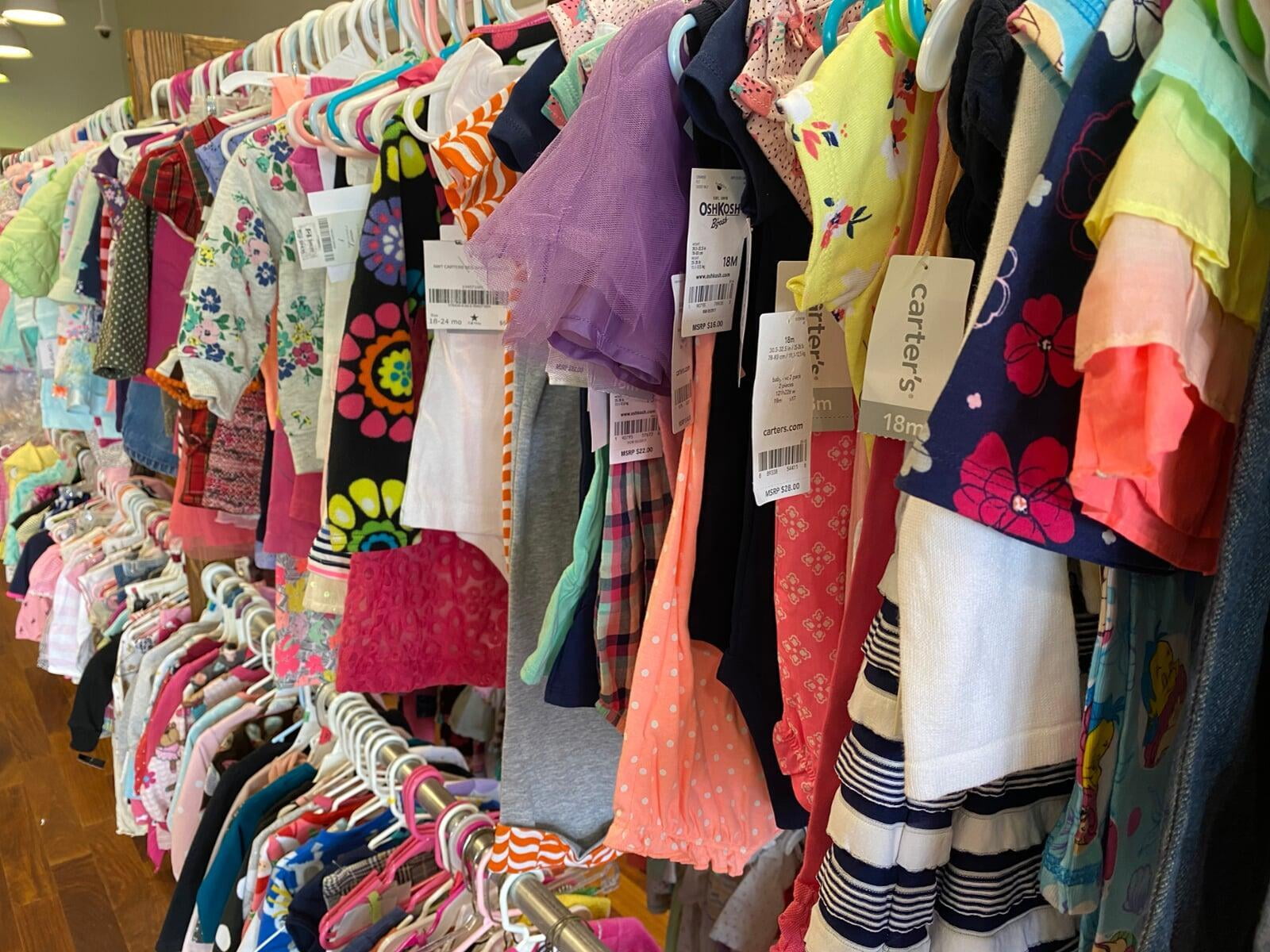
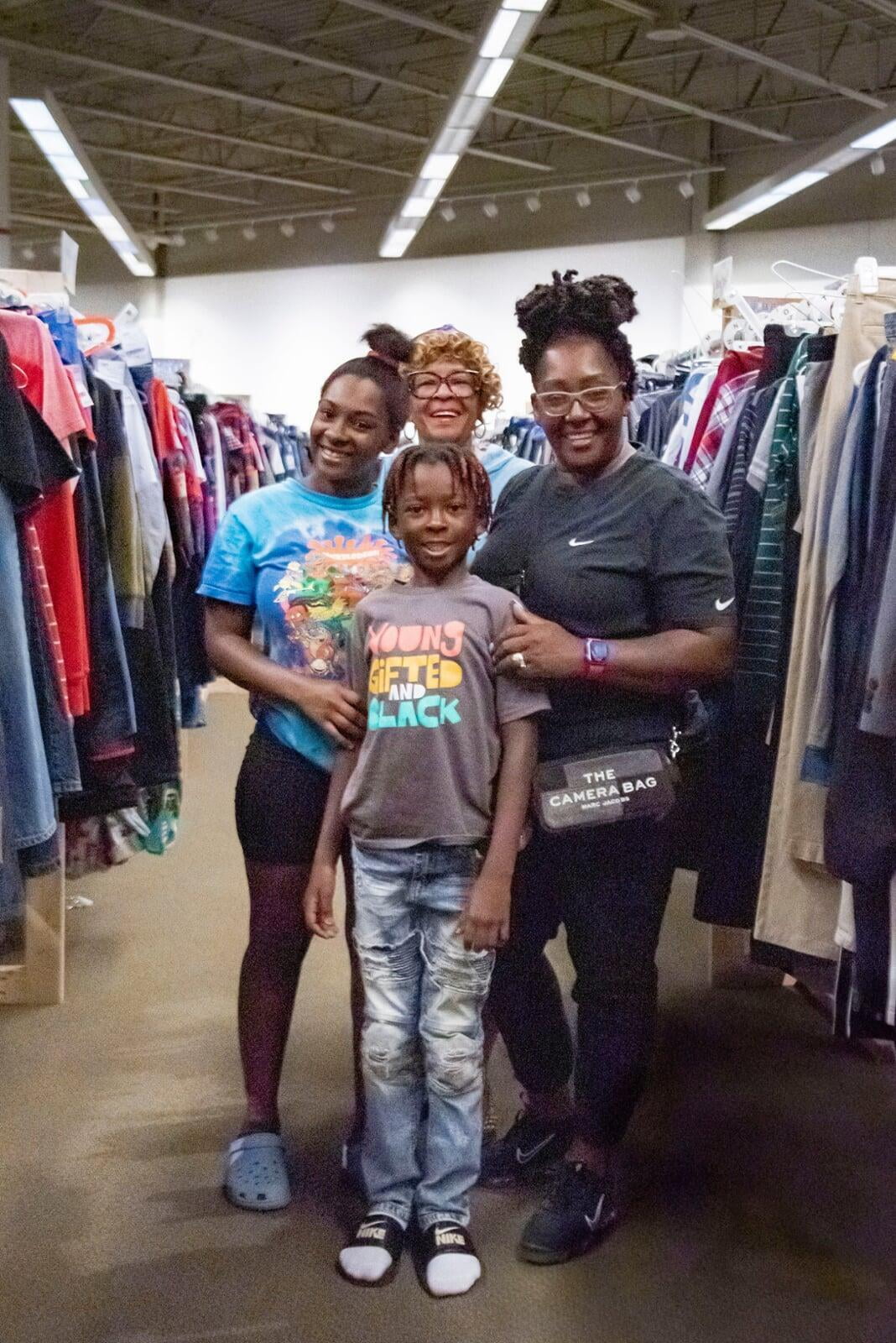
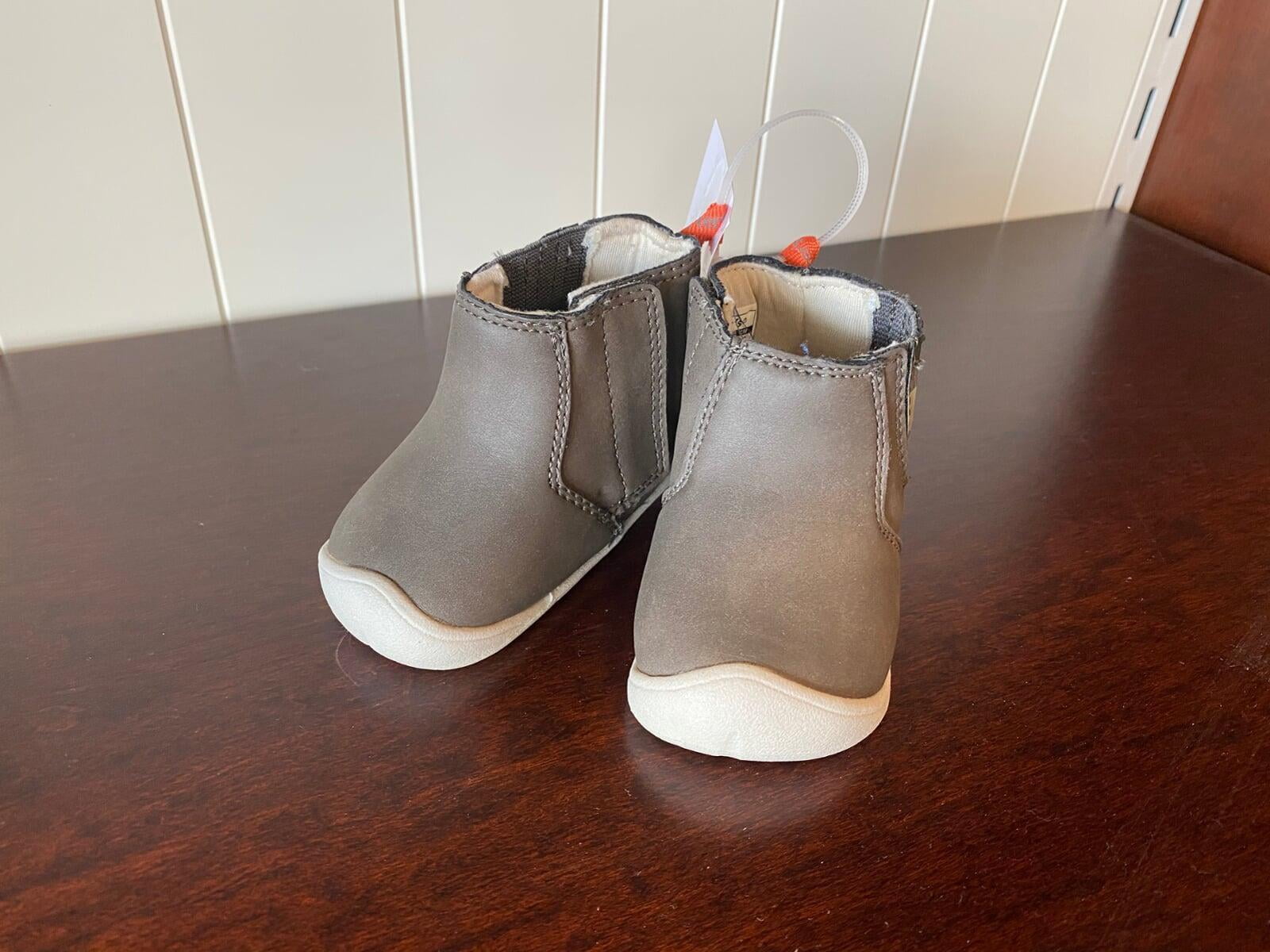
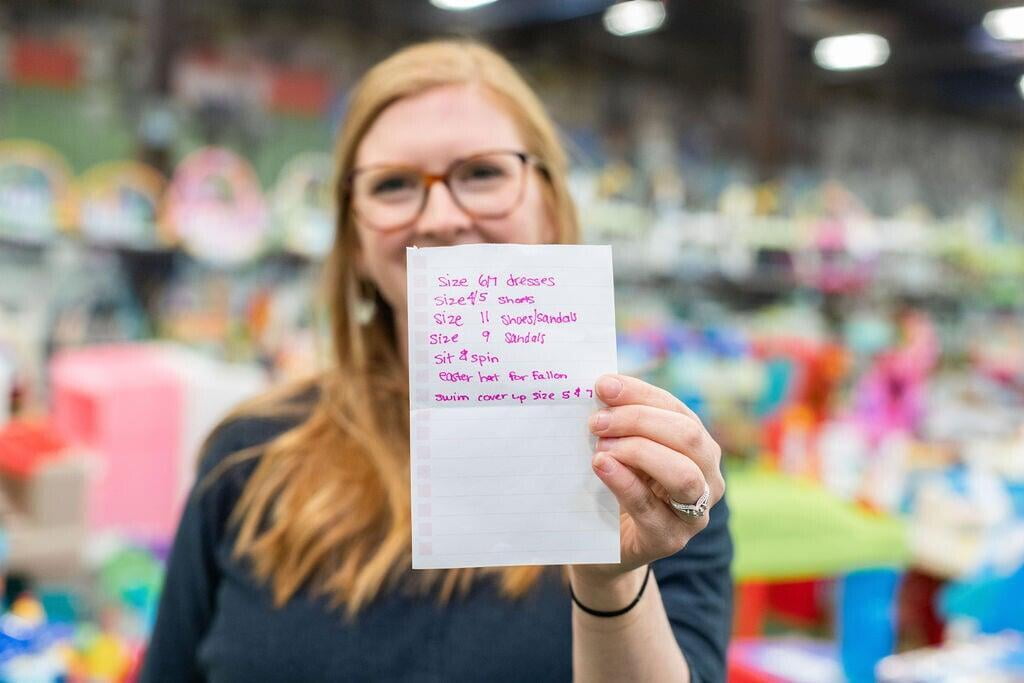
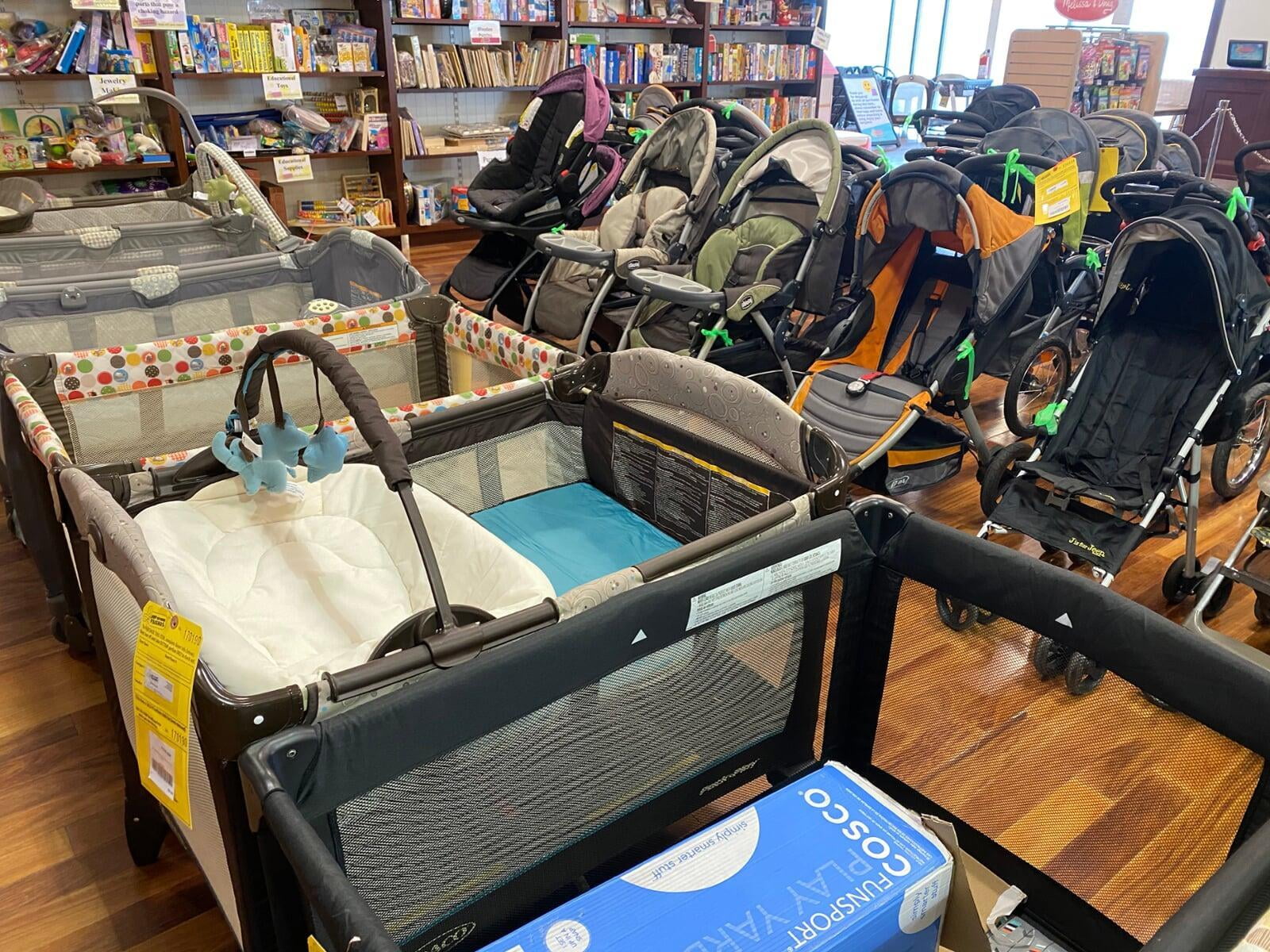
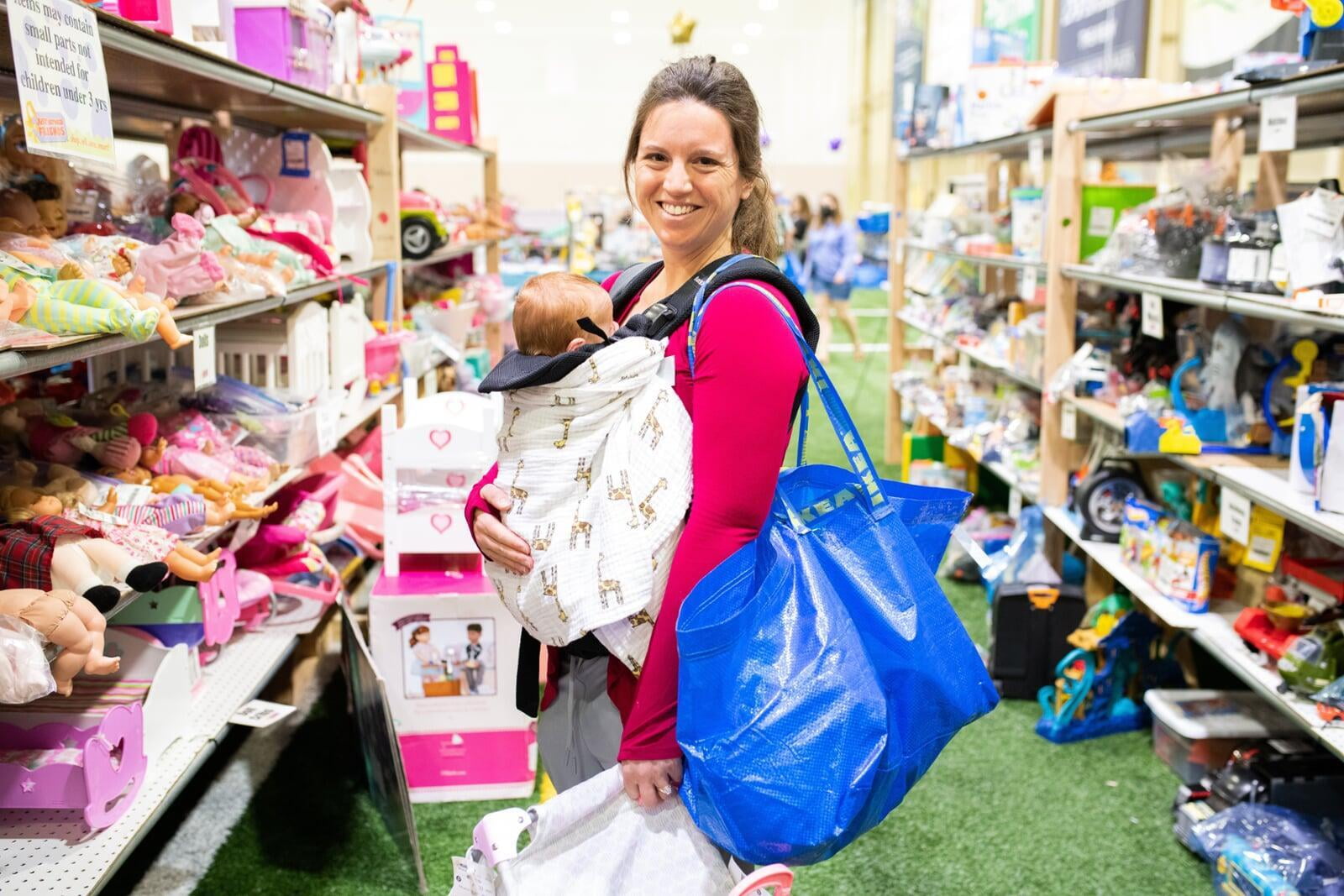
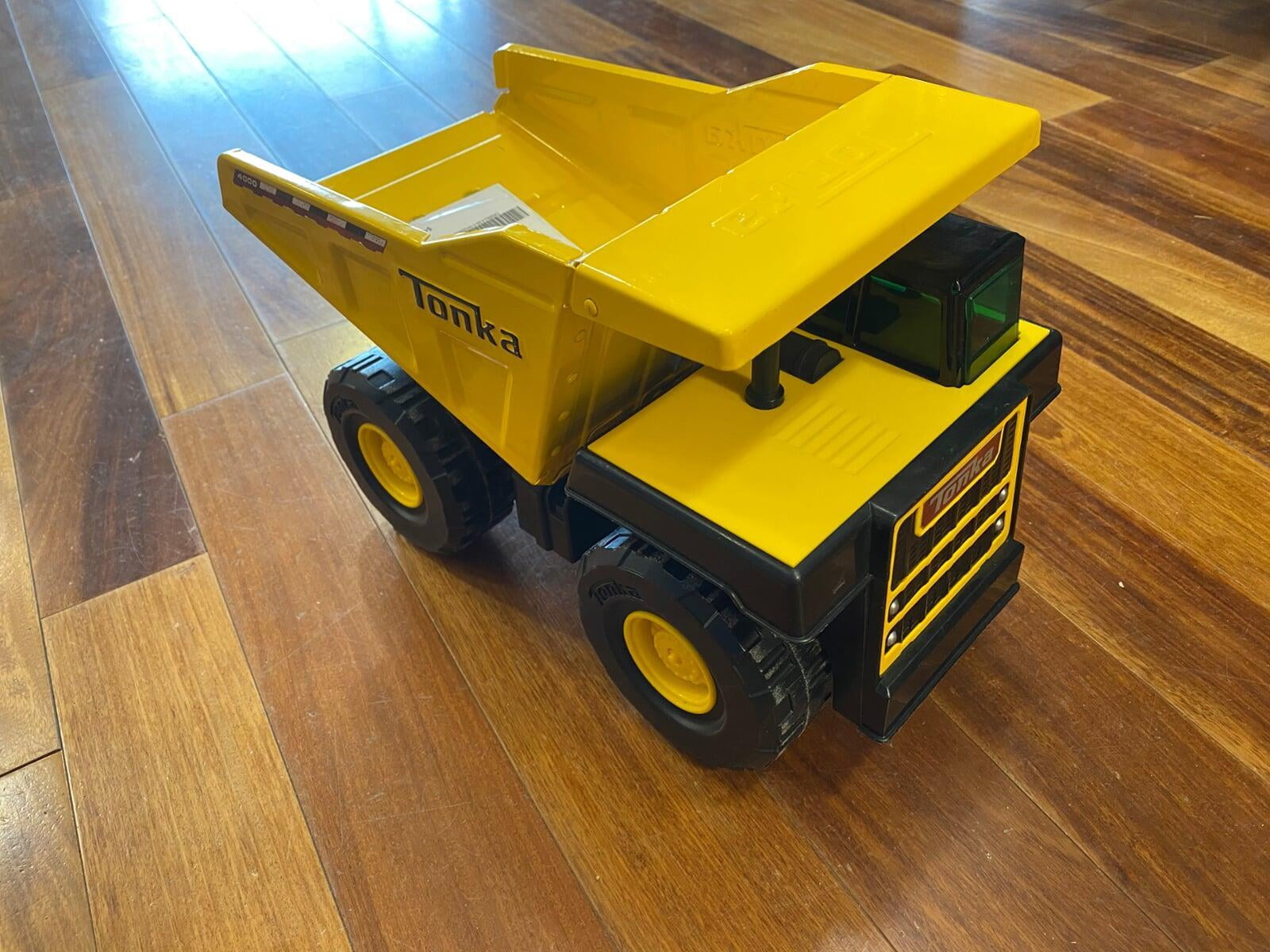
When you shop at Just Between Friends you can expect
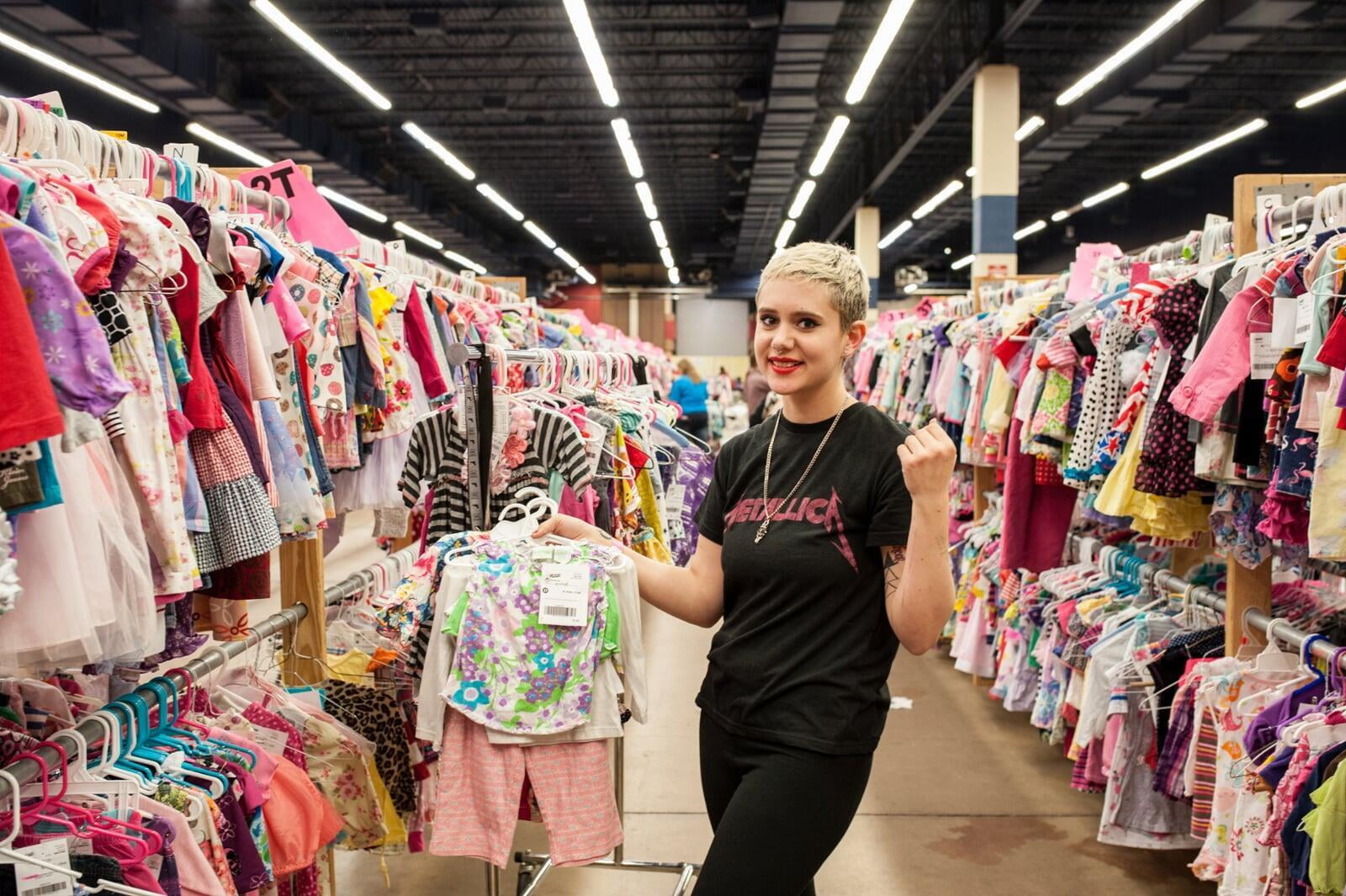
A look at a sale
We get it—raising a family gets expensive!
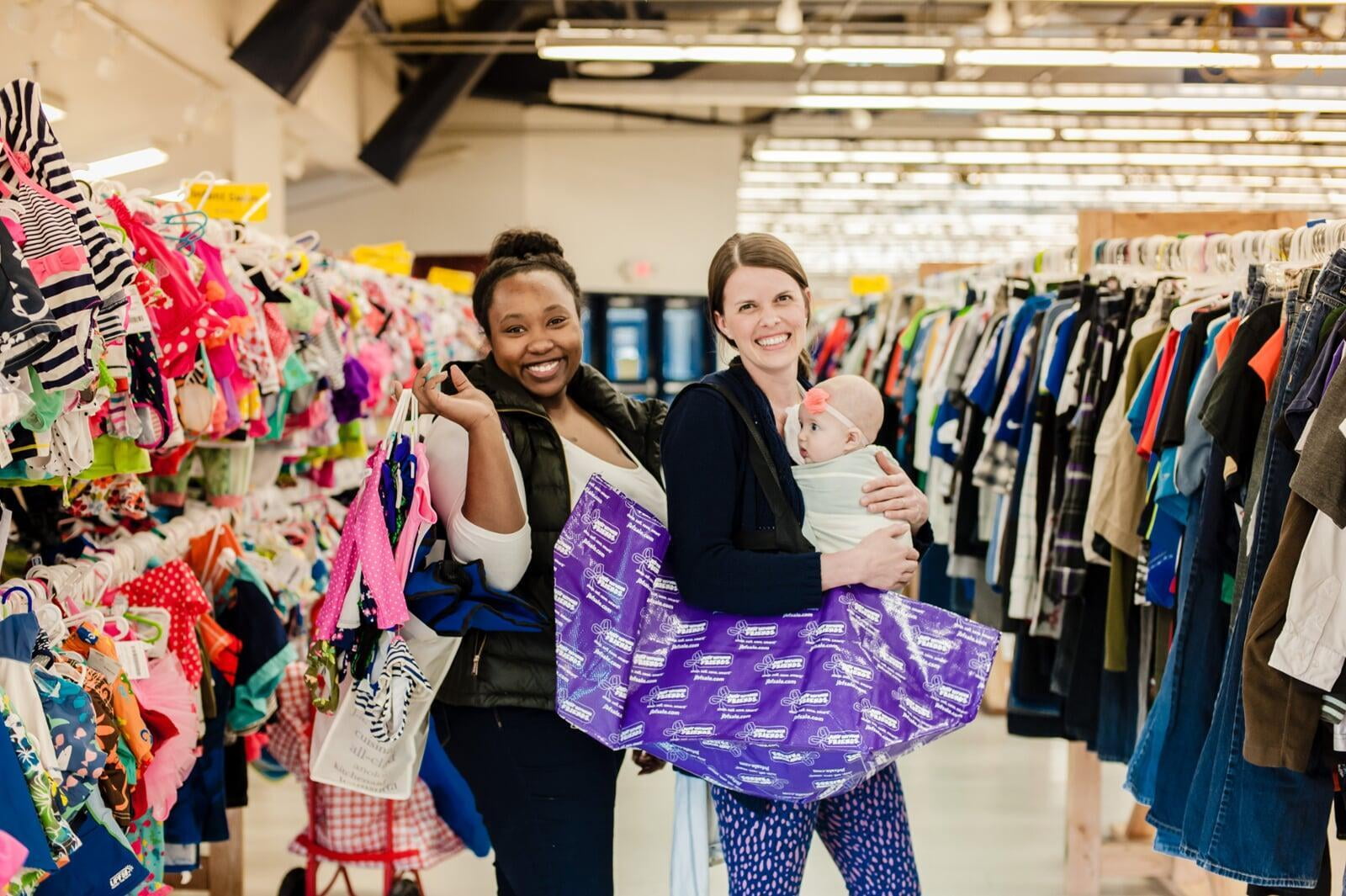
Shopping retail means hours in a mall with bored, crying kids—spending way more than you planned. And garage sales or social media buying can be disappointing and frustrating when items or connections aren't what you hoped they'd be.
Shop Just Between Friends pop-up sales to save hundreds of dollars on new and gently-used clothes, toys, shoes, books and gear for all sizes—infant to teen, plus maternity—all in one place. Items are inspected for quality and safety which means great items at huge savings. You get stylish, confident, good-looking kids while saving money and time. That's smart!
We love happy Shoppers!
Wondering how shoppers feel about the bargains and selection at a JBF sale? Take a look!
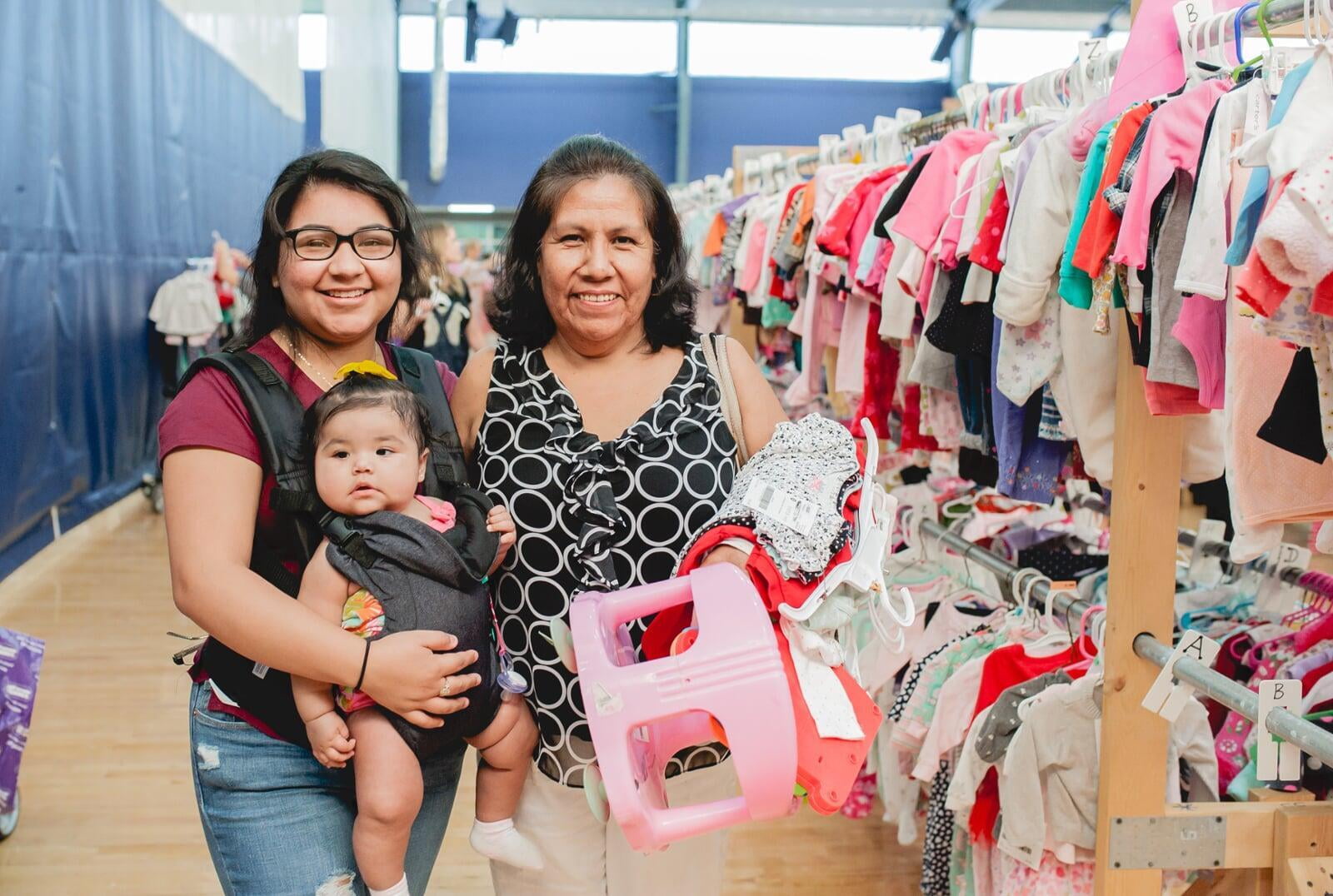
They have everything kid related.
Having everything kid related in one location is awesome. I plan to shop/spend each sale so my kids are assured that Mom will say "yes!" to at least some of the "look Mom!" items they find.
• Becky V
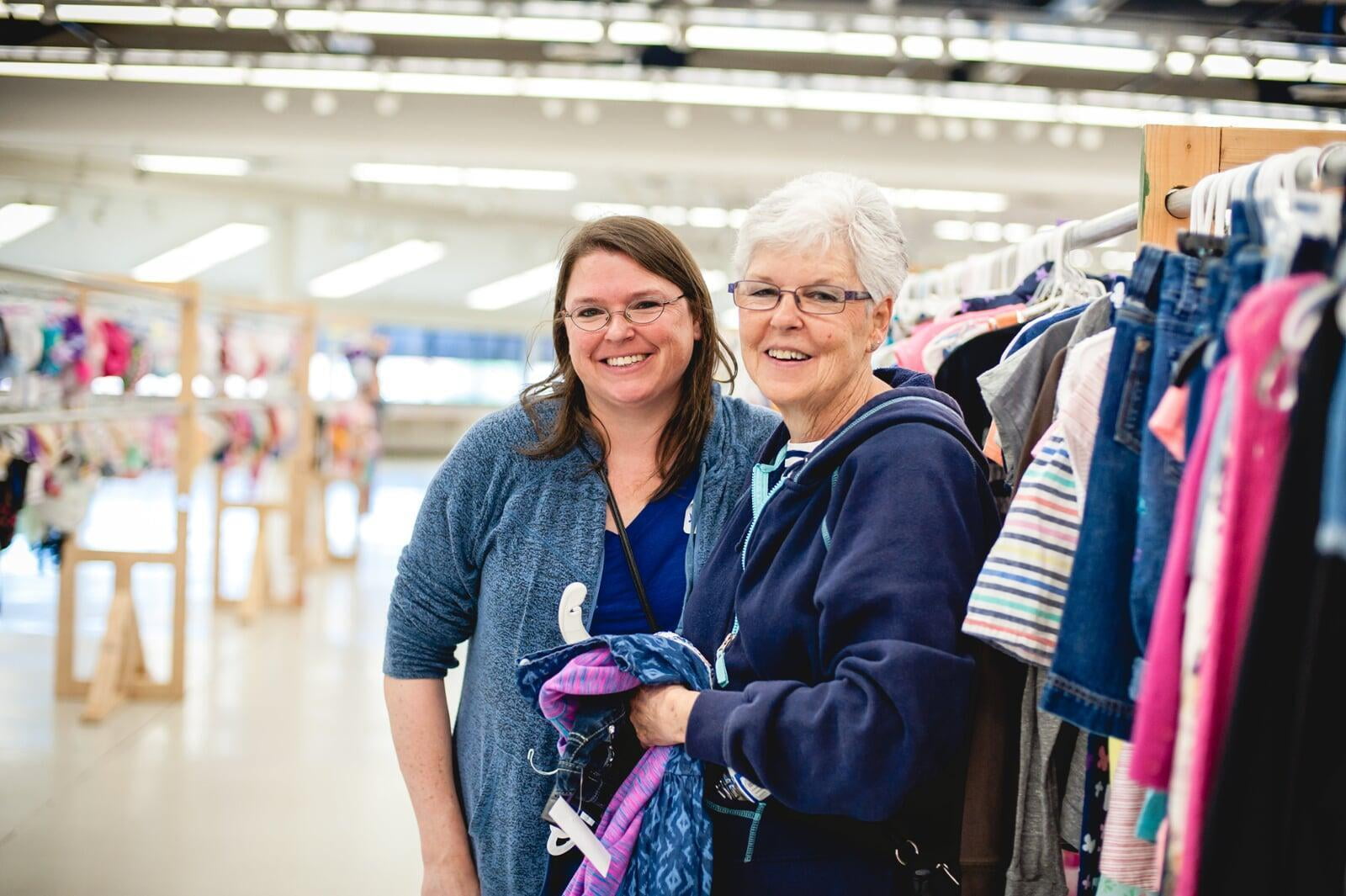
Great way to buy a season's worth!
This is a great way to buy a season's worth of clothes for all your littles! Great variety!
• Barbara H
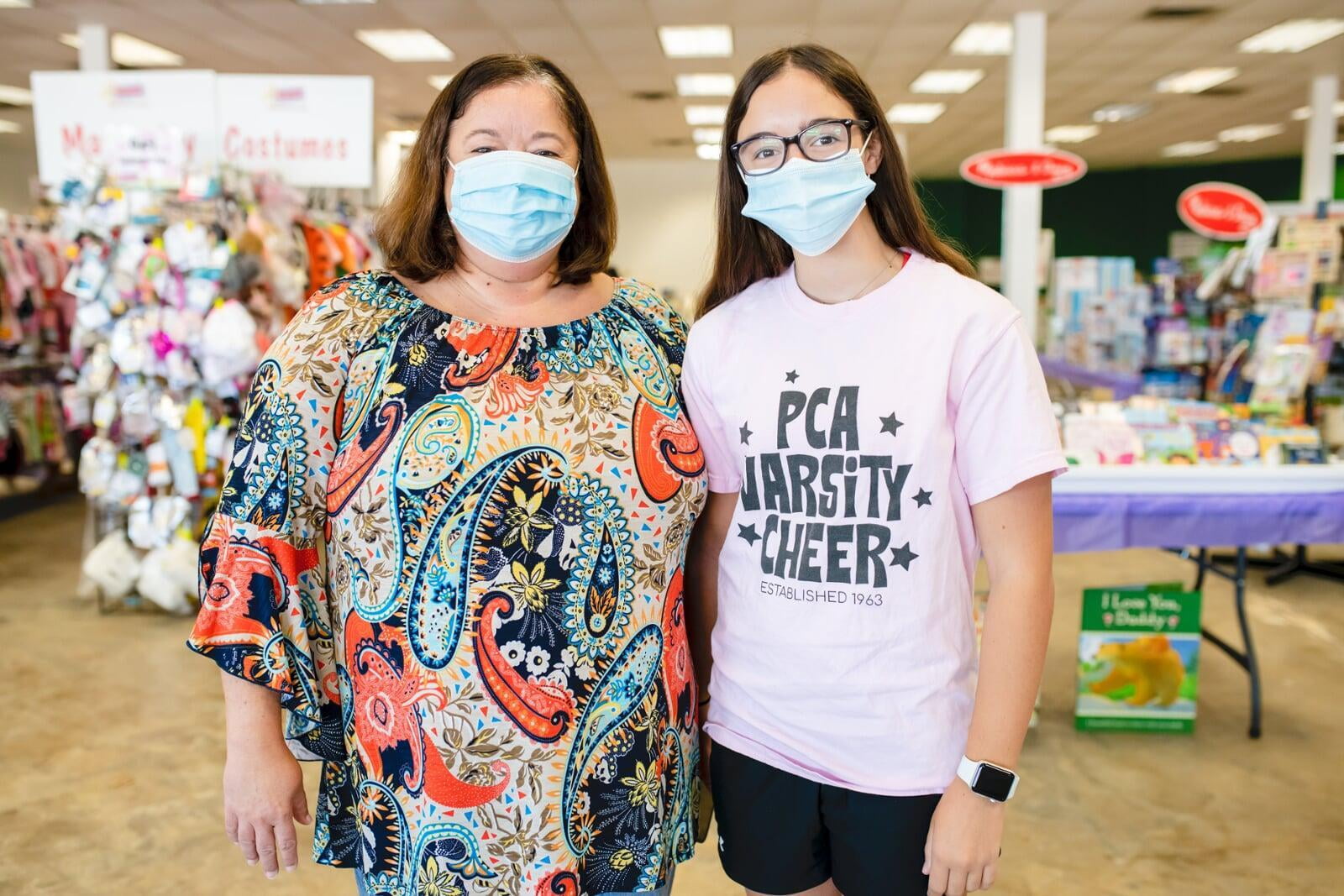
I love it every time!
I love it every time. And I finally got my friend to come this past sale and she was in awe of the savings. She'll be coming back for sure!
• Victoria V
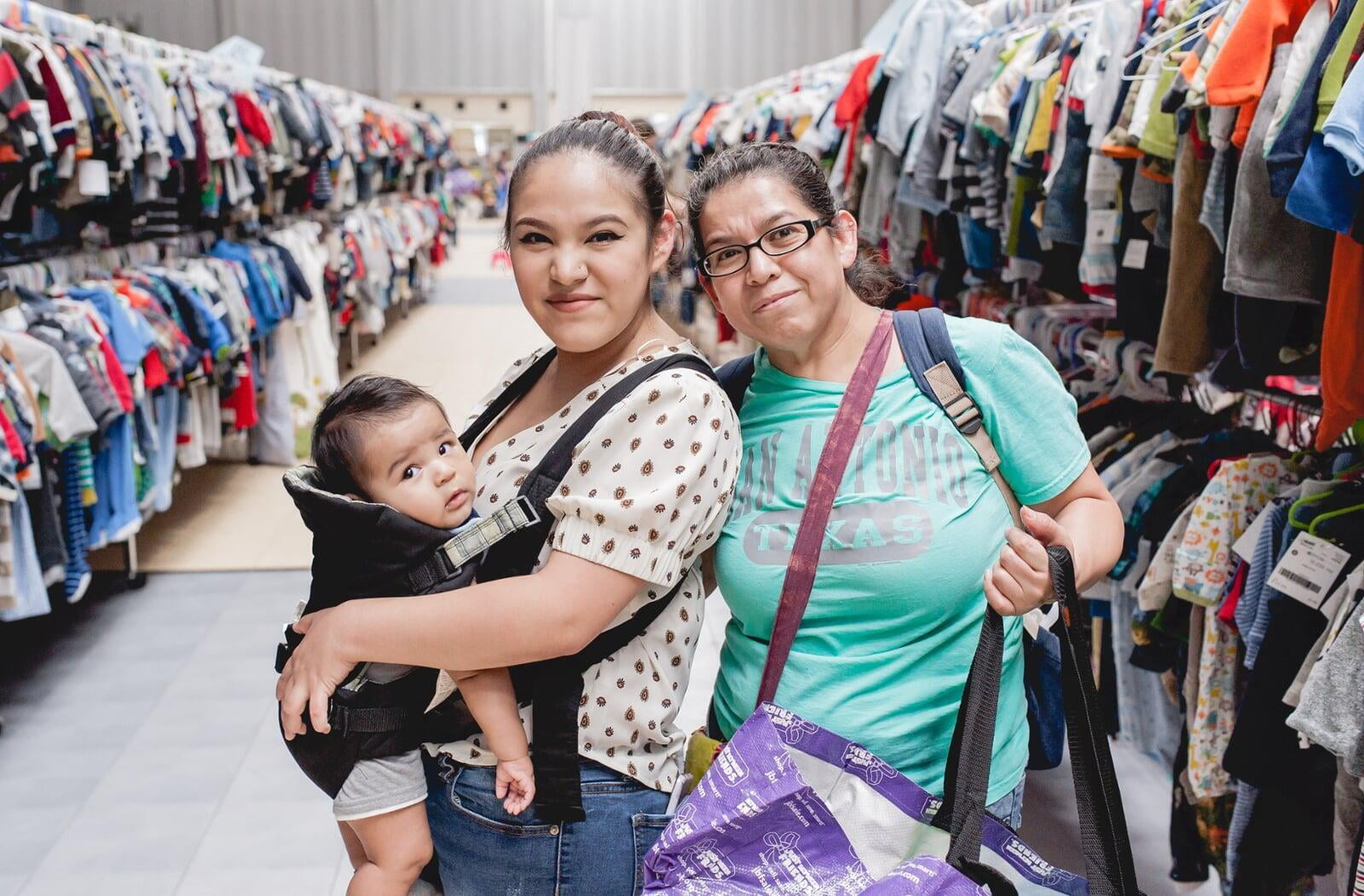
My favorite part is seeing other JBF moms
My favorite part is seeing other JBF Moms who I've met at the sale - year after year! We love our kids and love saving money!
• Monica S
Are you a new parent or grandparent?